Make a Restaurant POS App with AI
Build a custom point of sale system for your restaurant, cafe, or food truck. Describe what you need and Chattee generates the entire app, from order management to payment processing, ready to deploy.
How to Make Your Restaurant POS App
Describe Your POS Needs
AI Builds Your App
Deploy and Start Taking Orders
Watch a Restaurant POS App Come Together
What Your Restaurant POS App Can Do
Order Management and Table Tracking
Handle dine-in, takeout, and delivery orders from a single interface. Assign orders to tables, split checks, and track order status in real time so your front-of-house team always knows what's happening.
Menu Customization and Modifiers
Create dynamic menus with categories, item modifiers, special instructions, and seasonal pricing. Update your menu instantly without touching any code, whether you're adding a lunch special or removing a sold-out dish.
Payment Processing Integration
Connect your POS app to payment gateways like Stripe or Square. Accept credit cards, mobile payments, and cash transactions with automatic receipt generation and tip handling built in.
Sales Reporting and Analytics
Track daily revenue, popular items, peak hours, and staff performance. Your restaurant POS app includes dashboards that give you the numbers you need to make better business decisions.
AI Built Alternatives to Popular Restaurant POS Systems
Alternative to Toast POS
Make a restaurant POS app that matches your exact workflow instead of adapting to a rigid platform. Build custom order flows, kitchen display screens, and reporting tools tailored to how your restaurant actually operates, without monthly per-terminal fees.
Alternative to Square for Restaurants
Create a point of sale system with the simplicity of Square but customized for your menu structure, tipping policies, and service model. Own the code and avoid being locked into a single payment ecosystem.
Alternative to Clover POS
Build a restaurant ordering system that combines the hardware flexibility you want with software you fully control. Design interfaces for servers, bartenders, and kitchen staff that reflect your real workflow instead of generic templates.
Custom POS for Food Trucks and Pop Ups
Not every food business fits the mold of a full-service restaurant. Use Chattee to make a lightweight POS app designed for mobile vendors, ghost kitchens, or event catering with only the features you actually need.
Why Restaurant Owners Choose Chattee
No Developers Needed
Describe your restaurant POS system in plain language. Chattee writes the code, designs the interface, and handles the technical complexity so you can focus on running your business.
GDPR Friendly Hosting in Germany
Your customer data and transaction records stay on European servers. Chattee hosts in Germany with built-in compliance, which matters when you're handling payment and personal information.
Launch in Days, Not Months
Most restaurant POS projects take weeks of development. With Chattee, you can go from concept to a working application in a fraction of that time and iterate as you learn what your staff needs.
Full Source Code Ownership
Export your production-ready codebase whenever you want. Host it on Chattee or move it to your own infrastructure. There's zero vendor lock-in.
Custom Domain and SSL Included
Run your POS dashboard on your own domain with SSL configured automatically. Everything is set up for you so there's no messing around with DNS settings or certificates.
White Label Ready
Building POS software for multiple restaurant clients? Chattee supports full white labeling so you can rebrand and resell the app under your own name.
Key Features for Your Restaurant POS App
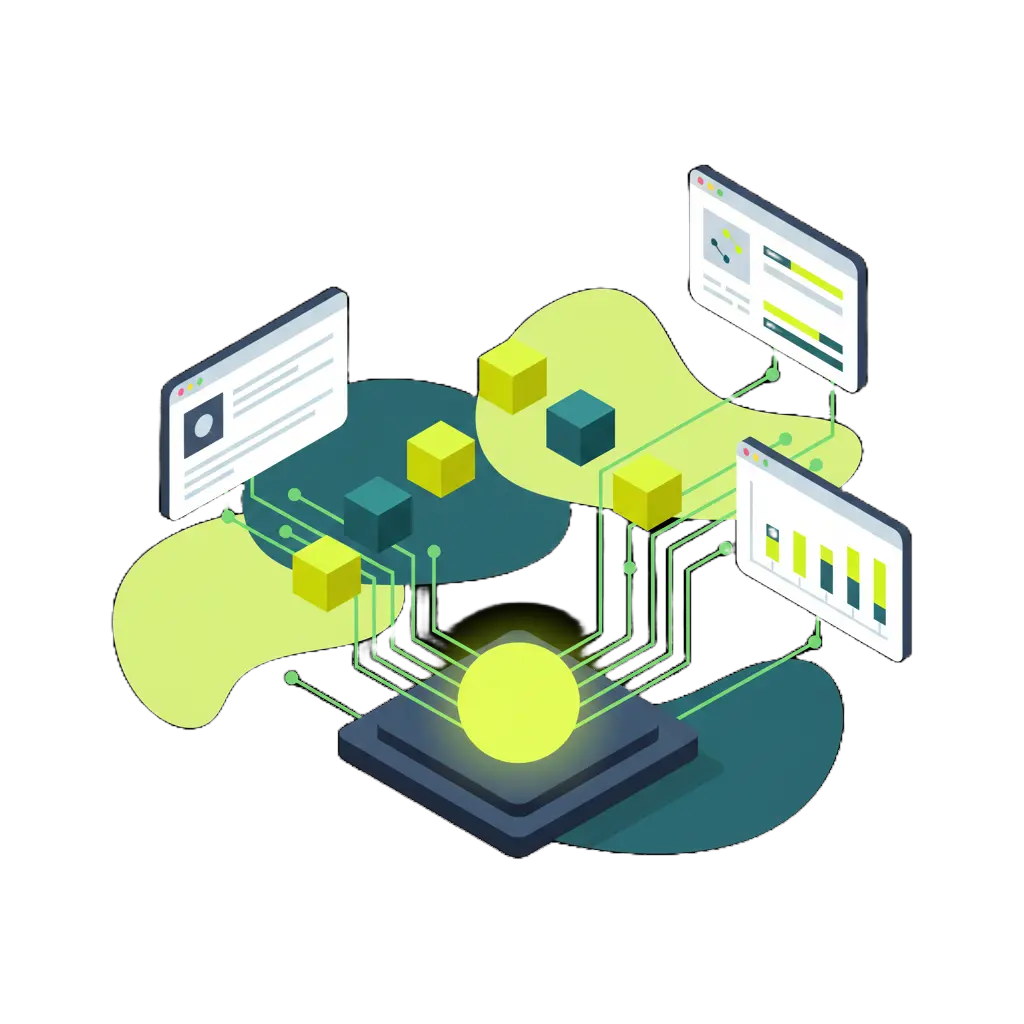
AI Designs Your POS Architecture
Production Ready Code Generated Automatically

Deploy Your POS App Instantly
What to Think About Before Building a Restaurant POS App
Order Flow and Service Style
A quick-service counter operates differently from a fine dining room. Map out how orders move from customer to kitchen to payment before you start building, so your POS app matches reality from day one.
Kitchen Display and Printer Integration
Your POS needs to communicate with the kitchen. Plan for kitchen display screens, ticket printers, or both. Getting this right prevents bottlenecks during busy service hours.
Payment Gateway Selection
Choose payment processors that work in your region and support the transaction types you need. Whether it's contactless payments, split bills, or tip adjustments, plan this integration early.
Inventory and Menu Sync
Connecting your POS to inventory tracking prevents overselling. When an ingredient runs low, your menu can update automatically so servers don't promise dishes the kitchen can't deliver.
Staff Roles and Permissions
Servers, managers, and owners need different access levels. Design role-based permissions so staff can do their jobs efficiently without accidentally modifying settings or accessing sensitive financial data.
Offline Reliability
Internet outages happen, especially in busy restaurants. Consider how your POS app will handle transactions if the connection drops. Local caching and sync-when-online capabilities can save a dinner rush.
What Builders Are Saying

Sarah Chen
Founder & CEO, TechStart Inc."We launched our MVP in two weeks instead of the two months we budgeted. Chattee let us validate our idea with real users before committing to a full engineering build. That speed changed everything for us."

Marcus Johnson
Product Manager, Fortune 500 Company"I used to wait weeks for engineering to prototype a new internal tool. Now I describe what I need and have a working version the same afternoon. It's completely shifted how our team approaches product experiments."

Elena Rodriguez
Senior Software Engineer"The code quality genuinely surprised me. It handles the boilerplate and infrastructure pieces I'd rather not write by hand, which frees me up to focus on the business logic that actually matters."
Frequently Asked Questions
-
Can I really make a restaurant POS app without coding?
Yes. Chattee is designed so anyone can build a functional point of sale application by describing what they need in plain English. The AI handles the architecture, code generation, and deployment. You focus on the business requirements.
- What features can my restaurant POS app include?
- Can I integrate payment processors like Stripe or Square?
- Do I own the source code for my POS app?
- Where is my data hosted?
- How long does it take to build a restaurant POS app with Chattee?
Explore Similar Apps You Can Make
Looking for something related to a restaurant POS app? These app ideas share similar features around ordering, payments, and business management. Browse them for inspiration or to expand your project.
Ready to Make Your Restaurant POS App?
Join thousands of builders creating real applications with Chattee. No credit card required to get started.