Make an Automation App That Actually Works
Skip months of development. Describe the workflow automation you need and Chattee builds it for you. From task schedulers to multi-step process engines, create production-ready automation apps with AI in minutes.
Three Steps to Your Automation App
Describe Your Workflow
AI Builds Your App
Deploy and Automate
Watch How Fast You Can Make an Automation App
What Makes Chattee Ideal for Automation Apps
Intelligent Workflow Design
Tell Chattee what processes you want to automate and it maps out the architecture. Triggers, conditions, scheduled tasks, API calls — the AI figures out the right structure so your automation app handles real-world complexity from day one.
Production Ready Code, Instantly
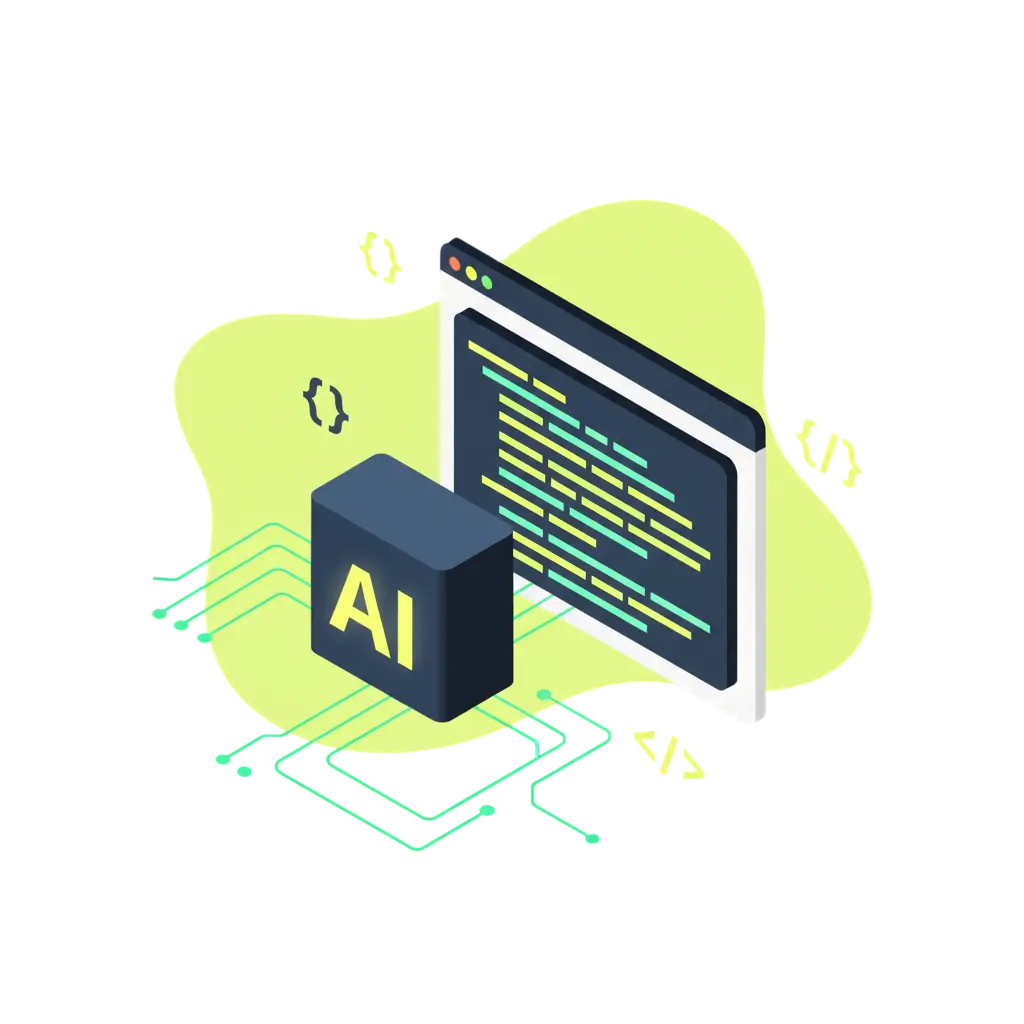
Chattee generates clean, well-structured source code as you build. It's not a black box. You get fullstack automation logic you can review, export, and run on your own servers whenever you want.
Live Preview While You Build
Every change you make to your automation workflows shows up immediately. Test trigger conditions, adjust scheduling rules, and fine-tune logic without redeploying anything.
Deploy with One Click
When your automation app is ready, push it live instantly. Chattee handles hosting on GDPR-friendly servers in Germany, sets up SSL, and configures custom domains automatically. Or export and host it yourself.
Automation App Alternatives You Can Build with AI
Alternative to Zapier Style Integration Platforms
Make your own automation app that connects services, triggers actions, and moves data between tools — but tailored exactly to your business logic. No per-task pricing, no platform limitations, full control over how your automations run.
Alternative to Make.com Scenario Builders
Build a visual or API-driven workflow automation tool with custom triggers, filters, and multi-step sequences. Own the code, host it where you want, and scale without worrying about scenario limits.
Alternative to n8n Self Hosted Workflows
Create a workflow automation app with the flexibility of self-hosted tools but without managing infrastructure from scratch. Chattee generates the backend logic and lets you deploy on your own servers or use managed hosting.
Custom Internal Automation Platforms
Instead of duct-taping multiple SaaS tools together, make a purpose-built automation app for your team. Handle approvals, notifications, data syncing, and scheduled jobs in one place — designed around how your organization actually operates.
Why Teams Build Automation Apps on Chattee
Zero Coding Needed
Describe your automation workflows in plain language. Chattee translates your requirements into working code — no programming background necessary.
GDPR Friendly Hosting
Your automation app runs on infrastructure hosted in Germany. Data stays in the EU, which simplifies compliance for teams handling personal or sensitive information.
Iterate in Minutes, Not Sprints
Need to add a new trigger? Change a workflow step? Adjustments happen in real time. You're not waiting weeks for engineering to prioritize a small change.
Full Source Code Ownership
Export your complete codebase at any time. There's no vendor lock-in. Run your automation app on Chattee hosting, AWS, or your own infrastructure.
Connect to Any API or Service
Build automations that talk to your existing stack. Databases, CRMs, messaging tools, payment systems — integrate anything your workflows need.
White Label Ready
Building automation tools for clients? Chattee supports full white label deployment with custom domains and branding so your product looks entirely yours.
Features That Matter for Automation Apps
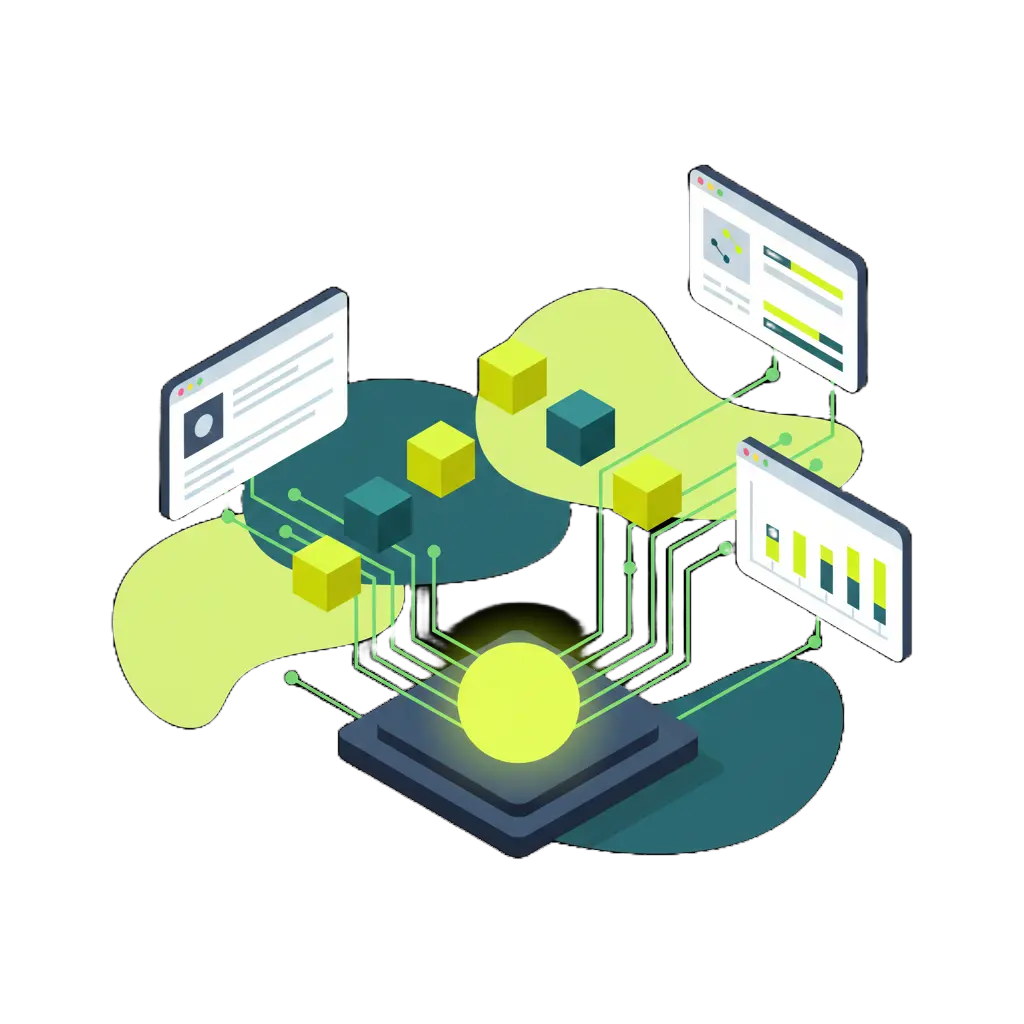
AI Powered Workflow Planning
Fullstack Automation Code
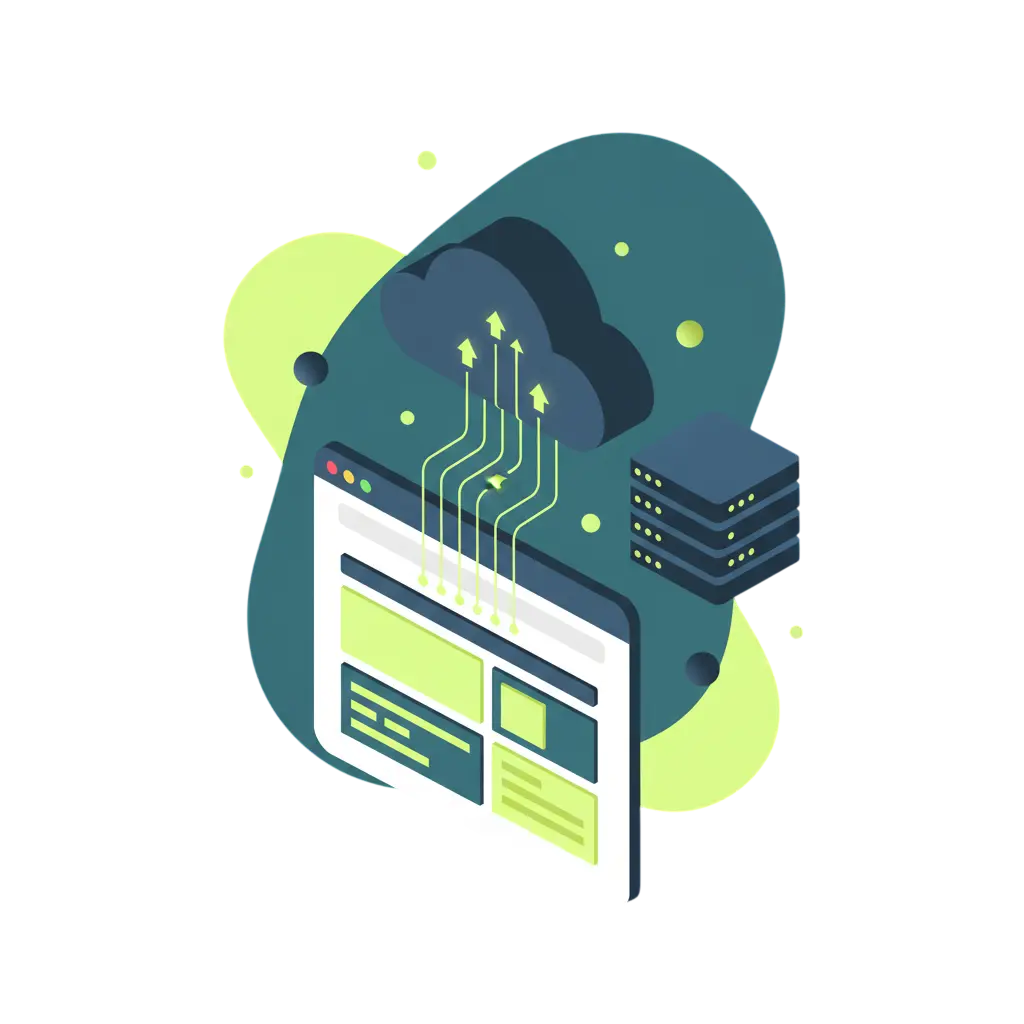
Scalable Deployment Built In
Key Considerations When Building an Automation App
Reliable Trigger Mechanisms
Good automation apps need dependable triggers. Whether it's a webhook, a scheduled cron job, or a database change event, make sure your triggers fire consistently and handle edge cases gracefully.
Error Handling and Retry Logic
Automations break when external services go down or data arrives in unexpected formats. Build in retry mechanisms, fallback paths, and clear error logging so problems don't cascade silently.
Monitoring and Observability
You need visibility into what your automation is doing. Include dashboards that show execution history, success rates, and queue depths so your team can spot issues before users do.
Data Transformation and Mapping
Most workflow automation involves passing data between systems with different formats. Plan your data mapping carefully to avoid broken integrations and lost information.
Scalability Under Load
An automation app that works for 100 tasks per day might buckle at 10,000. Consider message queues, rate limiting, and async processing from the start so growth doesn't force a rewrite.
Security and Access Control
Automations often handle sensitive data and connect to critical systems. Implement role-based access, encrypted credentials storage, and audit trails to keep your workflows secure and compliant.
Real Results from Real Builders

Sarah Chen
Founder & CEO, TechStart Inc."We needed an internal automation tool to handle onboarding workflows. Chattee had it running in under two weeks. What would have taken our team months to build was done before our next board meeting."

Marcus Johnson
Product Manager, Fortune 500 Company"I built a workflow automation prototype to validate an idea with stakeholders. No engineering tickets, no sprint planning. I had a working demo the same afternoon I started. That changed the conversation completely."

Elena Rodriguez
Senior Software Engineer"The code Chattee generates for automation backends is genuinely solid. Proper error handling, clean async patterns, and sensible architecture. It saves me from the tedious plumbing work so I can focus on the business logic that matters."
Frequently Asked Questions
-
What kind of automation apps can I make with Chattee?
You can build task schedulers, workflow engines, data pipeline tools, notification systems, approval workflows, API integration platforms, and more. Chattee supports fullstack development so your automation app can include a frontend dashboard, backend processing logic, and database storage.
- Do I need to know how to code to make an automation app?
- Can I connect my automation app to external services and APIs?
- Can I export the source code and host it myself?
- Where is my automation app hosted?
- How does Chattee handle scaling for high volume automations?
Explore Related App Ideas
Looking for something similar to an automation app? These related tools share workflow, scheduling, and process management features. Browse them for inspiration or to expand your project scope.
Ready to Make Your Automation App?
Start building workflow automation tools with AI today. No credit card required. Describe what you need and Chattee handles the rest.