Make a Kitchen Display App with AI
Turn your restaurant's order workflow into a custom kitchen display system. Describe how your kitchen operates, and Chattee builds a fully functional KDS app tailored to your menu, stations, and service style.
From Idea to Kitchen Display in Three Steps
Describe Your Kitchen Workflow
AI Designs and Builds Your KDS
Deploy to Your Kitchen Screens
Watch How Fast You Can Build a KDS
What Makes Chattee Ideal for Kitchen Display Apps
Real Time Order Routing
Build ticket flows that automatically route orders to the right kitchen station. Whether you split by course, prep type, or station role, your KDS handles it the way your kitchen actually works.
Custom Ticket Views per Station
Create separate display screens for grill, fryer, salad, expo, or any station in your kitchen. Each screen only shows what matters to the person working that position.
Live Order Status Updates
Staff can bump, prioritize, or flag tickets with a tap. Front of house sees real-time status changes, so servers know exactly when food is ready without yelling across the pass.
Works on Any Screen or Tablet
Your kitchen display app runs in a browser, so it works on iPads, Android tablets, wall-mounted monitors, or any device you already have. No proprietary hardware required.
AI Built Alternatives to Popular Kitchen Display Systems
Alternative to Toast KDS
Build a kitchen display system that fits your specific workflow instead of adapting to someone else's software. With Chattee, you control the ticket layout, routing logic, and integrations without being locked into a single POS ecosystem.
Alternative to Square Kitchen Display
Create a standalone KDS app that works with your existing order sources. Unlike platform-tied solutions, you decide which POS systems, online ordering tools, or custom APIs feed into your kitchen screens.
Alternative to Fresh KDS
Design a kitchen display experience tailored to your restaurant's size and complexity. Multi-location chains, ghost kitchens, or single-unit cafes all have different needs, and a custom-built app can match yours exactly.
Custom KDS for Niche Food Operations
Food trucks, catering companies, bakeries, and commissary kitchens rarely fit the mold of standard restaurant software. Make a kitchen display app built around how your operation actually runs, not how generic tools assume it should.
Why Restaurant Teams Build with Chattee
No Code Needed
Describe your kitchen display system in plain language. Chattee generates the full application, from order tickets to station views, without you writing a single line of code.
GDPR Friendly Hosting in Germany
Customer order data stays protected on European servers. Chattee hosts in Germany, making it straightforward to meet privacy requirements for restaurant and food service businesses.
Ship Updates in Minutes
Menu changes, new stations, or adjusted workflows don't require a developer. Describe what you need changed and your kitchen display app updates almost instantly.
Export Your Source Code Anytime
You own everything Chattee builds. Export production-ready code and move it to your own servers whenever you want. Zero vendor lock-in.
Custom Domain and SSL Included
Run your kitchen display app on your own domain with automatic SSL configuration. Professional setup without the DevOps headaches.
White Label Ready
Building kitchen display software for clients or franchises? Chattee supports full white labeling so you can deliver branded KDS solutions under your own name.
Features That Matter in a Kitchen
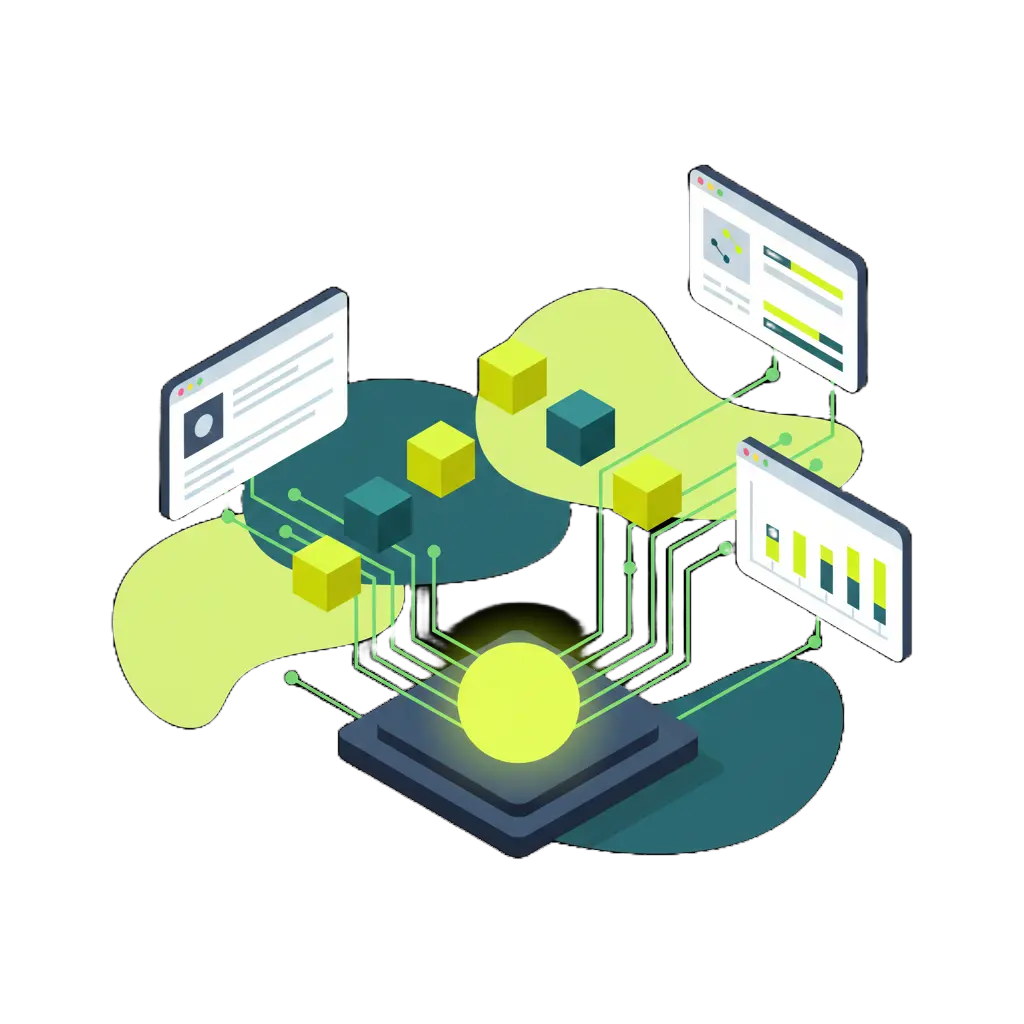
AI Plans Your Entire KDS Architecture
Production Ready Code for Your KDS
Deploy and Scale Without a Tech Team
Key Considerations When Building a Kitchen Display App
POS and Order Source Integration
Your kitchen display system needs to receive orders from somewhere. Plan how it connects to your POS terminal, online ordering platform, or third-party delivery apps so tickets flow in automatically.
Station Routing Logic
Not every ticket goes to every station. Define how orders split across prep areas, grill, fryer, expo, and other roles so each cook sees only what they need to work on.
Speed and Reliability
Kitchens move fast. Your KDS needs to update in real time with minimal latency. Dropped connections or slow refreshes during a dinner rush can derail service, so reliability is non-negotiable.
Hardware Flexibility
Think about what screens and devices your kitchen already has or will use. A browser-based kitchen display app gives you the flexibility to run on tablets, mounted monitors, or repurposed laptops.
Ticket Prioritization and Timing
Build in features like order age indicators, rush flags, and color-coded urgency levels. These small details make a big difference in keeping food moving during peak hours.
Offline Resilience
Internet hiccups happen. Consider how your kitchen display handles temporary connectivity loss so orders don't disappear when your WiFi drops for a few seconds.
What Builders Are Saying

Sarah Chen
Founder & CEO, TechStart Inc."We needed a kitchen display system that matched our ghost kitchen setup, and nothing off the shelf worked. Chattee let us build exactly what we needed in under two weeks. Our ticket routing alone saves us 15 minutes per rush."

Marcus Johnson
Product Manager, Fortune 500 Company"I prototyped a KDS concept for our cafeteria operations without waiting on engineering. In two days I had a working demo that leadership could actually test. That kind of speed changes how you approach internal tools."

Elena Rodriguez
Senior Software Engineer"The code Chattee generates is genuinely solid. I used it to scaffold a multi-station kitchen display app and the WebSocket implementation, component structure, and API design were all clean enough to ship after minimal review."
Frequently Asked Questions
-
Can I make a kitchen display app without coding experience?
Yes. Chattee is designed so anyone can build functional apps by describing what they need in plain English. You explain your kitchen workflow, station layout, and order process, and Chattee generates the complete application for you.
- Will my kitchen display app work on tablets and wall-mounted screens?
- Can I connect my KDS to my existing POS system?
- Can I export the code and host it myself?
- How does Chattee handle data privacy for restaurant order data?
- Can I build a multi-location kitchen display system?
Explore Similar Apps You Can Build
If you're building a kitchen display app, you might also need tools for order management, inventory tracking, or restaurant operations. These related app ideas share similar real-time and workflow features worth exploring.
Ready to Make Your Kitchen Display App?
Describe your restaurant's workflow and let Chattee build a custom KDS in minutes. No credit card required to get started.